功能
终端里的代理,先询问再行动。
ZOREVA-UI CLI 在你的 SwiftUI 或 Android 项目中规划、编辑和运行命令。你可以查看每个 diff、批准任何高风险操作,并撤销任何一步。
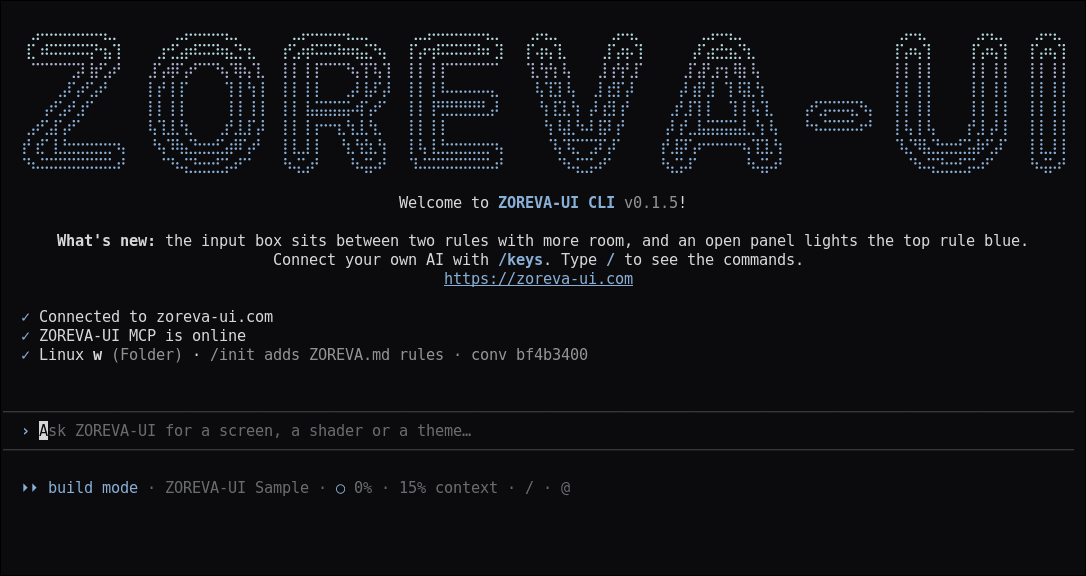
规划模式
在任何改动之前审查计划。
按 Shift+Tab 或以 --plan 启动。代理只会读取你的项目、写出计划并询问“按此计划构建吗?”。在你同意之前不会写入任何内容。debug 和 task 模式也在同一个切换中。
阅读文档 →
Diff 与撤销
每次编辑都会先显示 diff。
接受、拒绝或在本次会话余下时间全部接受修改。每个提示词都是一个检查点:/undo 还原上一个提示词修改的文件,/rewind(或按两次 Esc)可以回退更多。
阅读文档 →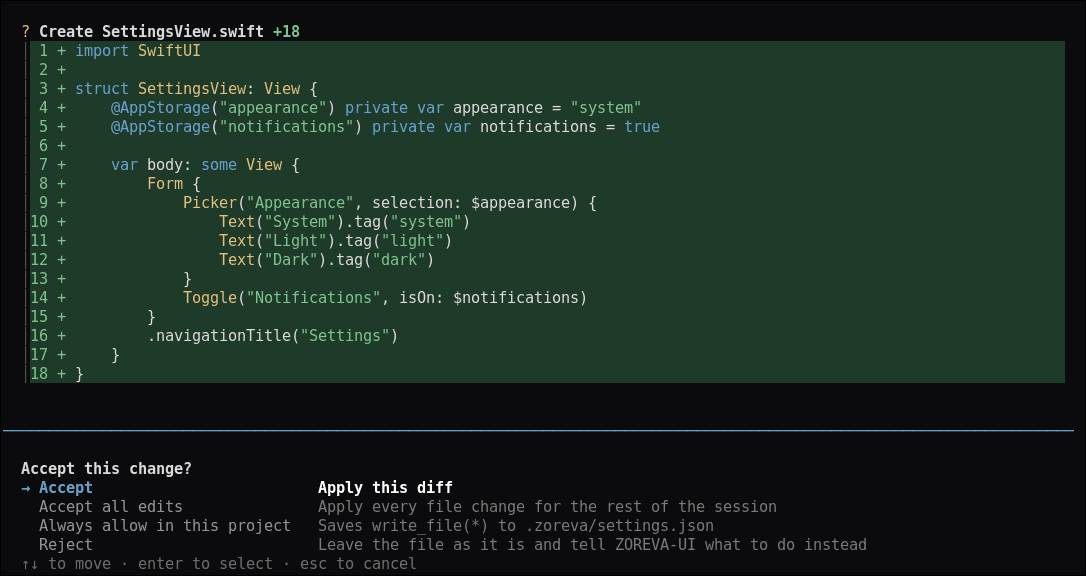
- 03
权限与沙箱
高风险命令总是会询问。
删除文件、git push、改写历史或安装软件包每次都会询问:仅允许一次、在此项目中始终允许,或拒绝。/sandbox 让 AI 的命令在无网络、仅能写入项目内的环境中运行(Linux 上使用 bubblewrap,macOS 上使用 Seatbelt)。
阅读文档 → - 04
ZOREVA.md 与 @ 提及
你的项目规则,每次会话都生效。
ZOREVA.md 和 .zoreva/rules 会在每次会话开始时加载;/init 会为你写一个,# 可保存一条新规则。输入 @ 即可附加文件,并从你的项目中自动补全。
阅读文档 → - 05
会话
从上次中断的地方继续。
zoreva -c 继续此文件夹中的上一次对话。zoreva -r 或 /resume 打开任意已保存的对话,/conversations 按项目浏览。
阅读文档 →
以及更多
为发布应用而生。
使用自己的密钥
用 /keys 使用你自己的服务商密钥,或继续使用按积分计费的 ZOREVA-UI 模型。
构建并运行应用
/build runs on a simulator, your iPhone or Android; /devices lists them and /logs streams the app’s logs.
截图与商店素材
/preview captures small, standard and large iPhones in light, dark and large text; /store makes App Store shots; /icon makes every icon size.
发布前审查
/walk taps through every screen, /perf measures launch, memory and leaks, and /precheck flags what App Review or Google Play would.
从目录开始
/create starts a new Xcode app from a catalog screen, and the agent pulls shaders and icons from ZOREVA-UI as it builds.
可在脚本中使用
zoreva -p runs one prompt and prints the answer, so it fits shell scripts.
每条回复都显示积分
每条回复都会显示使用的积分,方案积分用完前会提醒你。
你的环境,你的风格
/theme, /output-style and /config. Settings live in ~/.zoreva and .zoreva/settings.json.
托管 MCP 服务器
在你的编辑器或编程智能体中使用目录里的着色器和图标。