Native iOS and Android apps, built from your terminal.
ZOREVA-UI is a coding agent for mobile. Describe a screen and it writes SwiftUI or Jetpack Compose, runs the app on a simulator, and checks it before the store does.
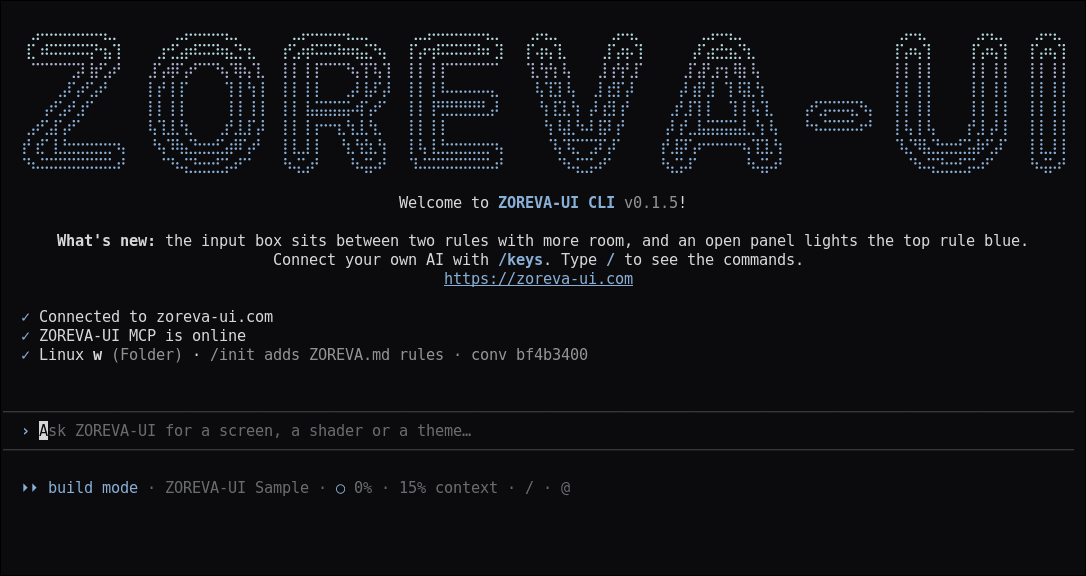
Build
Describe it. See it running.
The agent plans, edits and shows every diff before it lands. /build compiles the real project and opens it on the simulator, your iPhone or an Android emulator.
How the CLI works →
Ship
Check every size before the store does.
/preview screenshots small, standard and large iPhones in light, dark and large text. /store makes store screenshots, and /precheck lists what App Review or Google Play would flag.
Read the docs →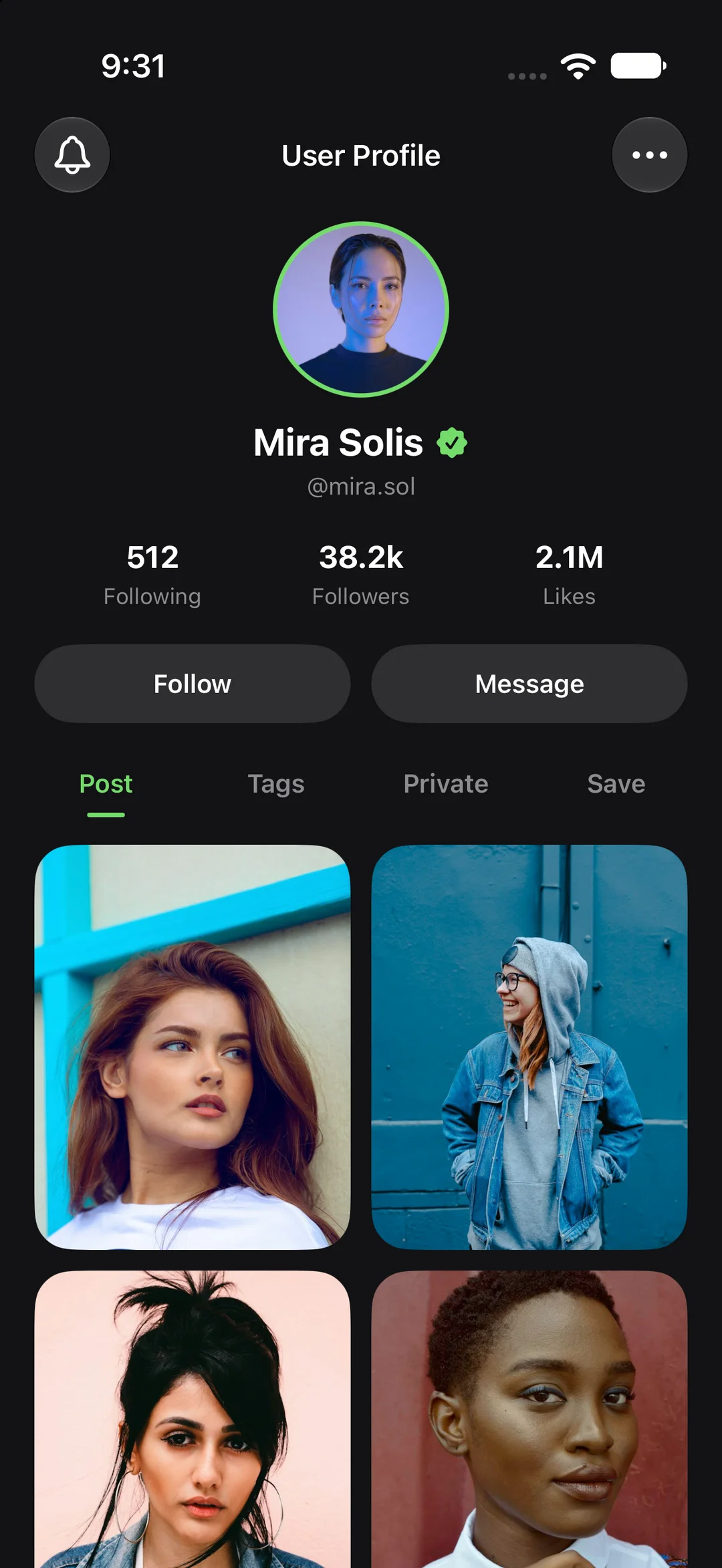
Catalog
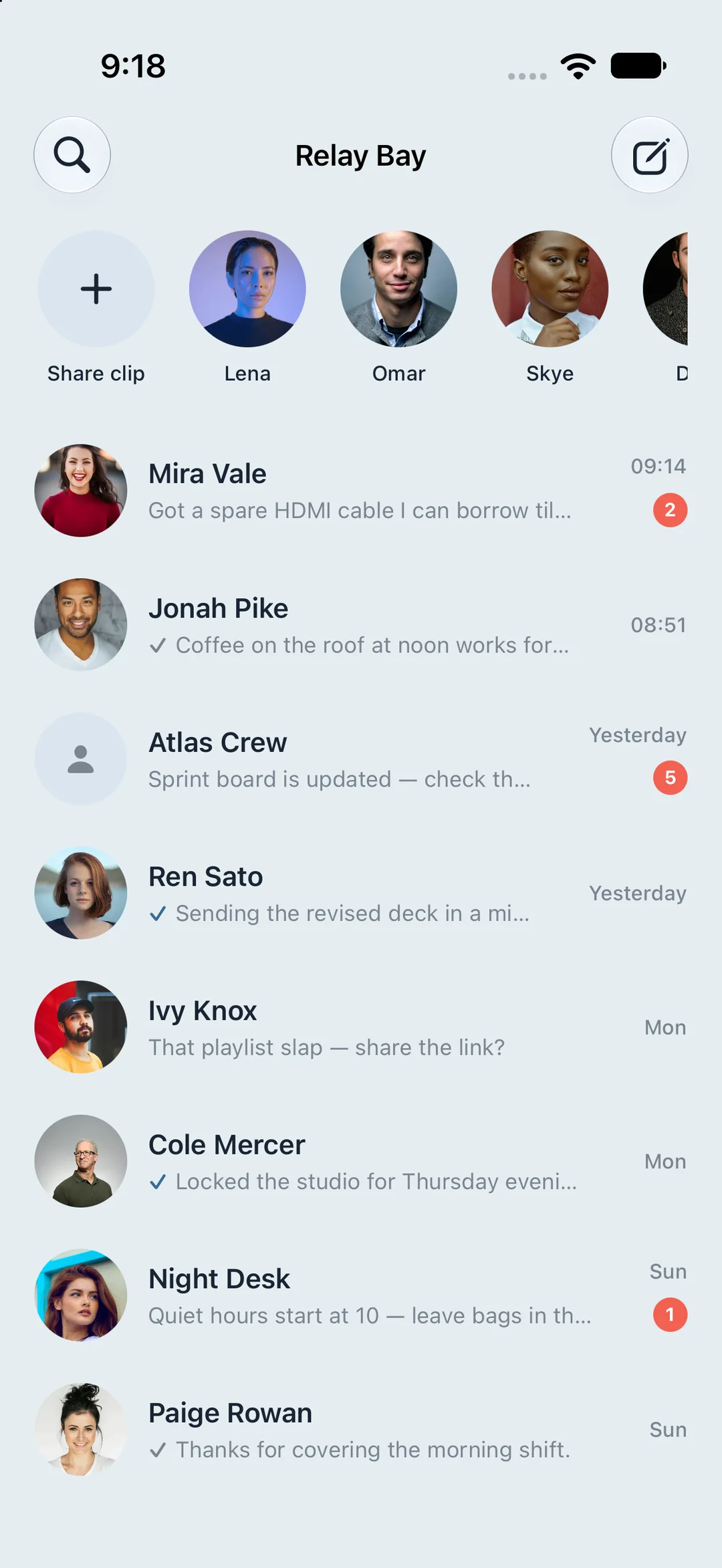
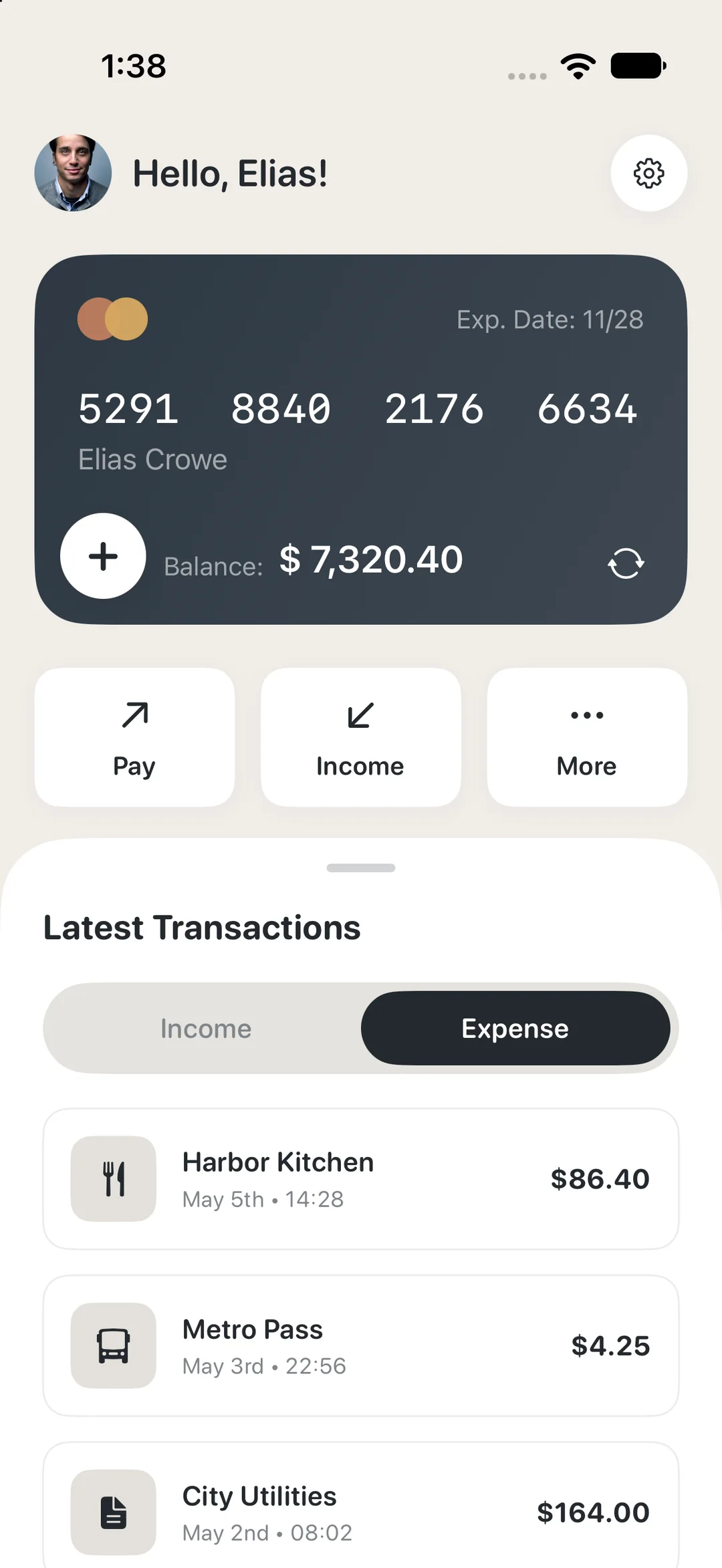
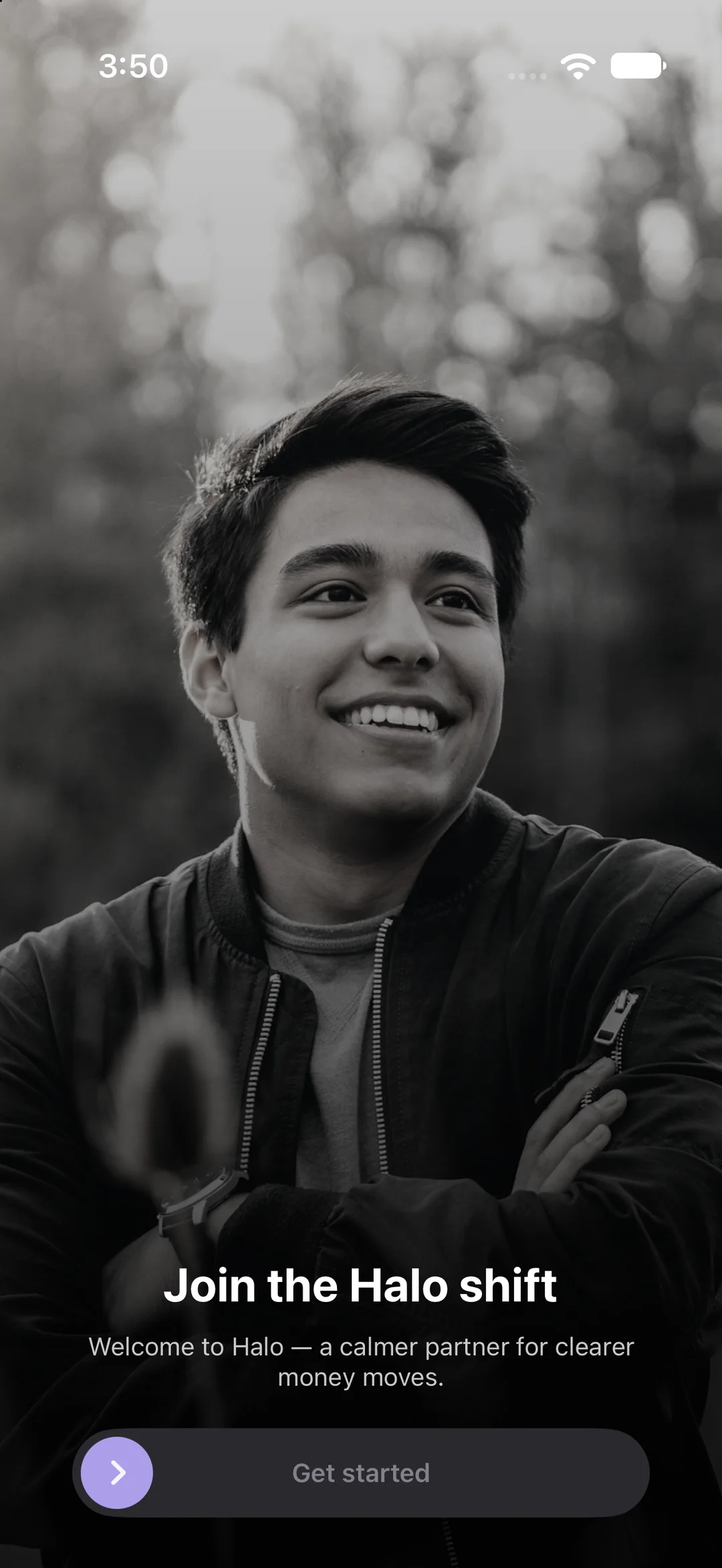
Start from screens that already look finished.
Compositions download as full Xcode or Android Studio projects. Shaders come as Metal + SwiftUI or AGSL, and icon packs drop straight into SwiftUI and Compose.
Open the catalog →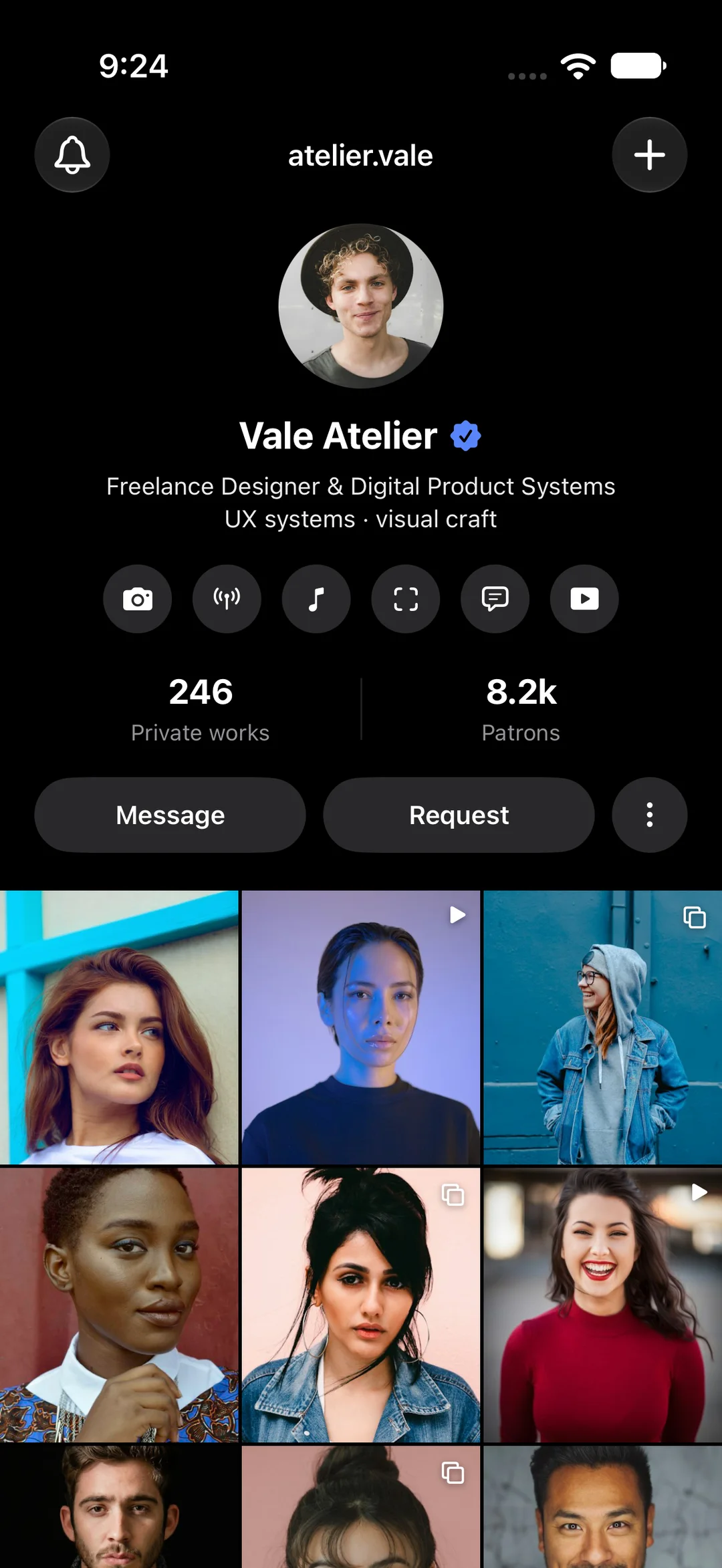
MCP server
The catalog, inside the editor you already use.
One hosted server, no install. Sign in once and your agent can search shaders, icons and compositions and add them to your project. MCP is free on every plan.
Set up MCP → Cursor
 Claude
 Codex
 Antigravity
Made for people who ship apps
Your rules, every session
ZOREVA.md holds your project’s conventions and is read at the start of each session. Bring your own keys with /keys if you prefer.
Docs →You approve what changes
Every edit shows its diff first and /undo restores the last turn. Risky commands always ask, and on Linux they run in a sandbox.
Security →Clear plans
Free works today with 5 downloads a week and MCP access. Auto picks a model for each request, and every reply shows the credits it used.
Pricing →Questions
Do I need a Mac?+
For iPhone apps, yes: /build uses Xcode, which runs on macOS. Android projects build with Gradle and the Android SDK. The CLI itself runs on macOS, Linux and Windows.
Are these real native projects?+
Yes. You get an Xcode project with SwiftUI or a Gradle project with Kotlin and Jetpack Compose. Nothing runs in a web view.
Does one account work everywhere?+
Yes. The same ZOREVA-UI account signs you in to the website, the CLI and the MCP server.
Is the MCP server free?+
MCP is free on every plan. Free accounts get 5 downloads a week of apps or shaders.
Can I buy a paid plan today?+
Not yet. Paid plans are coming soon, so every paid button is disabled. Free works now and is never charged.
Your next app starts with one command.
Free to start. No card needed.