Features
An agent in your terminal that asks before it acts.
ZOREVA-UI CLI plans, edits and runs commands in your SwiftUI or Android project. You see every diff, approve anything risky and can undo any turn.
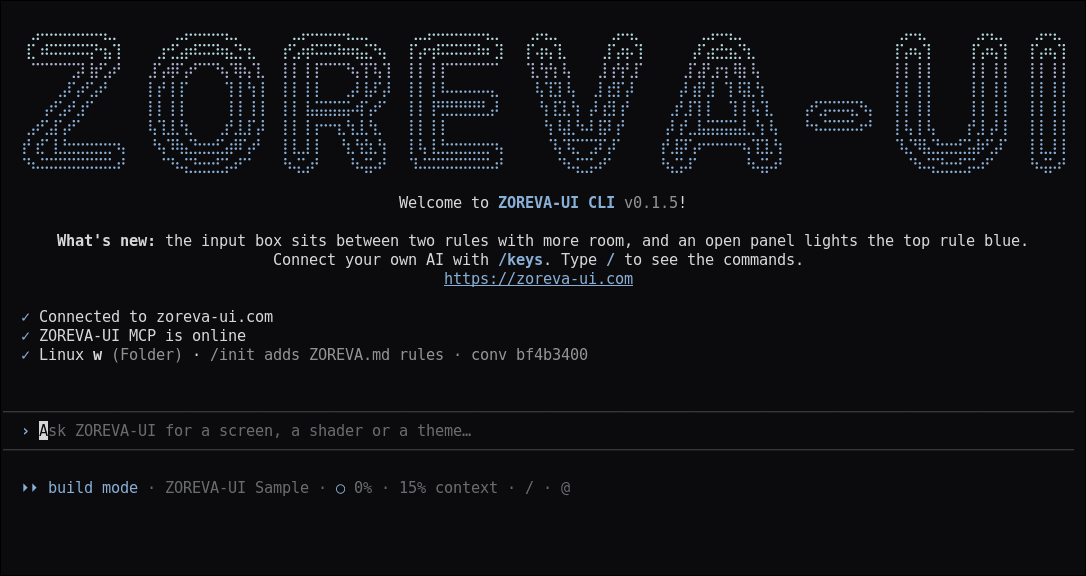
Plan mode
Review the plan before anything changes.
Press Shift+Tab or start with --plan. The agent only reads your project, writes a plan and asks “Build this plan?”. Nothing is written until you say yes. Debug and task modes sit on the same switch.
Read the docs →
Diffs and undo
Every edit shows its diff first.
Accept, reject, or accept all edits for the rest of the session. Each prompt is a checkpoint: /undo puts back the files the last prompt changed, and /rewind (or Esc twice) goes back further.
Read the docs →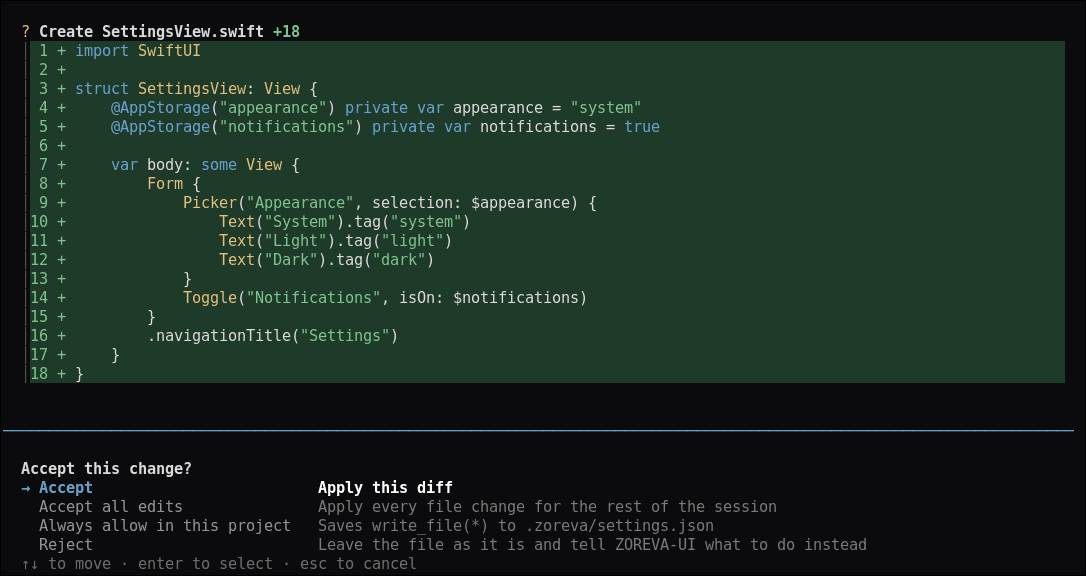
- 03
Permissions and sandbox
Risky commands always ask.
Deleting files, pushing with git, rewriting history or installing packages asks every time: allow once, always allow in this project, or deny. /sandbox runs the AI’s commands without network, writing only inside the project (bubblewrap on Linux, Seatbelt on macOS).
Read the docs → - 04
ZOREVA.md and @ mentions
Your project rules, every session.
ZOREVA.md and .zoreva/rules load at the start of each session; /init writes one for you and # saves a new rule. Type @ to attach a file, with completion from your project.
Read the docs → - 05
Sessions
Pick up where you left off.
zoreva -c continues the last conversation in this folder. zoreva -r or /resume opens any saved conversation, and /conversations browses them by project.
Read the docs →
And more
Built for shipping apps.
Bring your own keys
Use your own provider key with /keys, or stay on ZOREVA-UI models billed in credits.
Build and run apps
/build runs on a simulator, your iPhone or Android; /devices lists them and /logs streams the app’s logs.
Screenshots and store assets
/preview captures small, standard and large iPhones in light, dark and large text; /store makes App Store shots; /icon makes every icon size.
Review before you ship
/walk taps through every screen, /perf measures launch, memory and leaks, and /precheck flags what App Review or Google Play would.
Start from the catalog
/create starts a new Xcode app from a catalog screen, and the agent pulls shaders and icons from ZOREVA-UI as it builds.
Works in scripts
zoreva -p runs one prompt and prints the answer, so it fits shell scripts.
Credits on every reply
Each reply shows the credits it used, and you get a warning before your plan’s credits run out.
Your setup, your look
/theme, /output-style and /config. Settings live in ~/.zoreva and .zoreva/settings.json.
Hosted MCP server
Use the catalog’s shaders and icons from your editor or coding agent.